FeedMe
Featured product
FeedMe POS
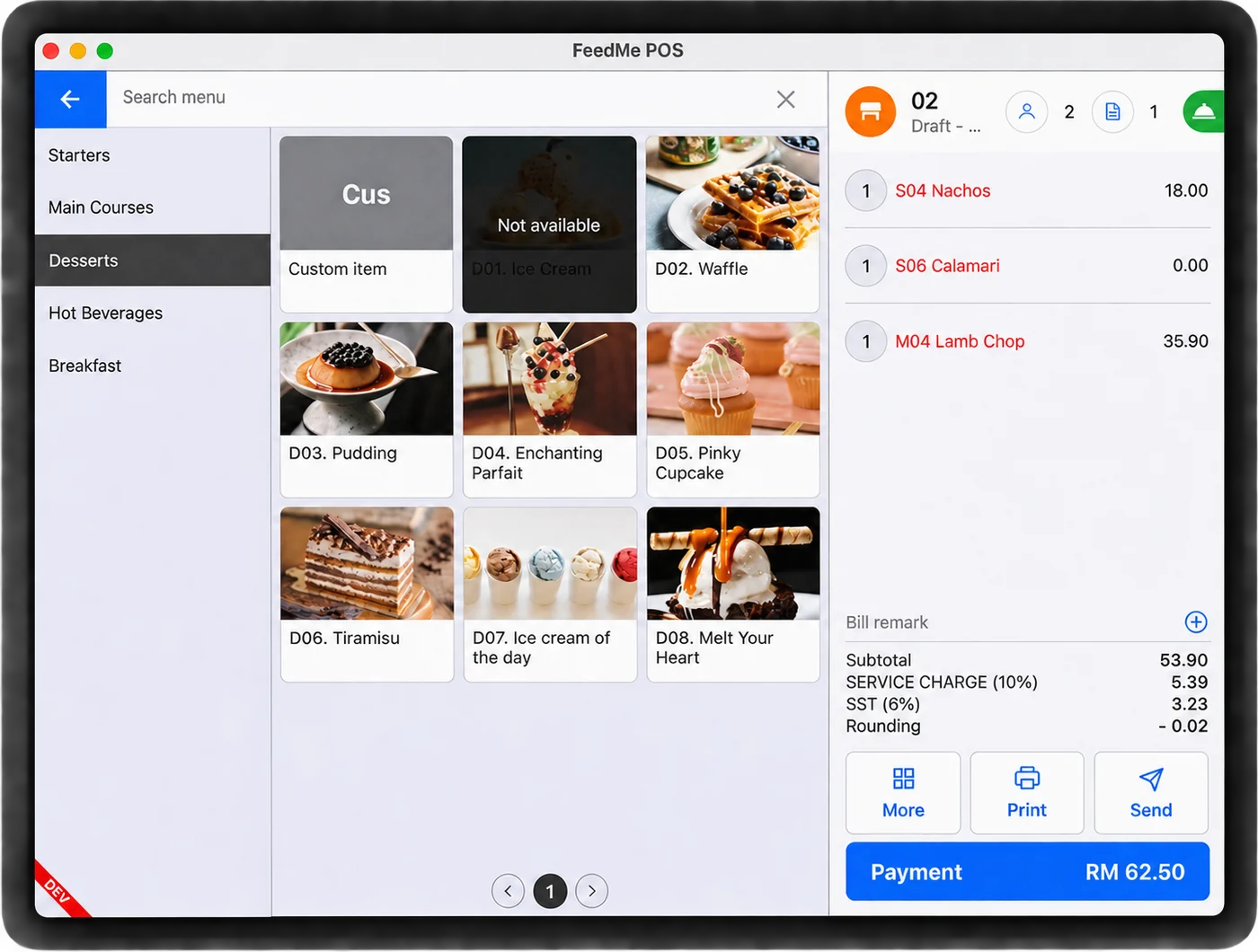
Cloud POS built for restaurants and cafés — orders, tables and payments in one system, with AI suggestions to lift each bill.
- Table & order management
- AI upselling
- Cards, e-wallets & Apple Pay
What it does.
27 featuresKitchen Display System
Orders land on a kitchen screen the moment they're placed, with no paper chits.
Order Display System
A screen out front tells customers and riders when their order is ready.
Delivery Integration
Delivery-platform orders come into the same POS, with menus kept in sync.
Table Management
Lay out your floor plan and see which tables are free, seated or waiting to pay.
Sub POS
Add extra ordering stations for the lunch and dinner rush.
Stock Inventory
Stock comes off as you sell, so you spot shortfalls before service.
Multi-Outlet Management
Run every outlet from one account and one back office.
FeedMe Portal
Change menus, prices and promotions for all outlets from one place.
Custom Receipts
Receipts with your logo, layout and details.
Menu Creation
Build a menu in minutes, with AI writing the item descriptions.
AI Upselling
AI suggests add-ons to staff and diners while they order.
Promotions
Discounts, bundles and limited-time deals, set up in a few taps.
Loyalty Program
Points, rewards and member tiers that bring regulars back.
Targeted Campaigns
Send offers based on what each group of customers actually orders.
SMS Broadcasts
Text promotions and news straight to your customers.
QR Code Ordering
Diners scan the table code, order and pay from their own phone.
Self-Service Kiosk
Customers order and pay at a kiosk, freeing up the counter.
Digital Menu
Change items and prices instantly, with nothing to reprint.
Queue System
Call numbers in order so waiting customers know where they stand.
Pick-up & Delivery
Takeaway and delivery orders handled alongside dine-in.
Integrated Payments
Cards, e-wallets and Apple Pay at the counter or the table.
Live Sales Reports
See today's sales as they happen, from anywhere.
Scheduled Reports
A daily summary arrives on its own after closing.
Report Engine
Charts and breakdowns by item, outlet or time of day.
Inventory Tracking
Know what's running low before it runs out.
Role Management
Give each staff member only the access their job needs.
Punch Card
Staff clock in and out on the POS, so attendance is on record.
More items.
6 itemsHardware 02
FeedMe D3 PRO
Dual-screen FeedMe POS terminal that takes cards and e-wallets right at the counter.
- 01Dual touch screens
- 02Cards & e-wallets built in
- 03Fast and smooth
FeedMe Mix Series
Compact POS with a built-in receipt printer and battery, on a stand that turns to face the customer.
- 01Built-in 80mm printer
- 02Built-in battery
- 03Rotatable stand
Software 04
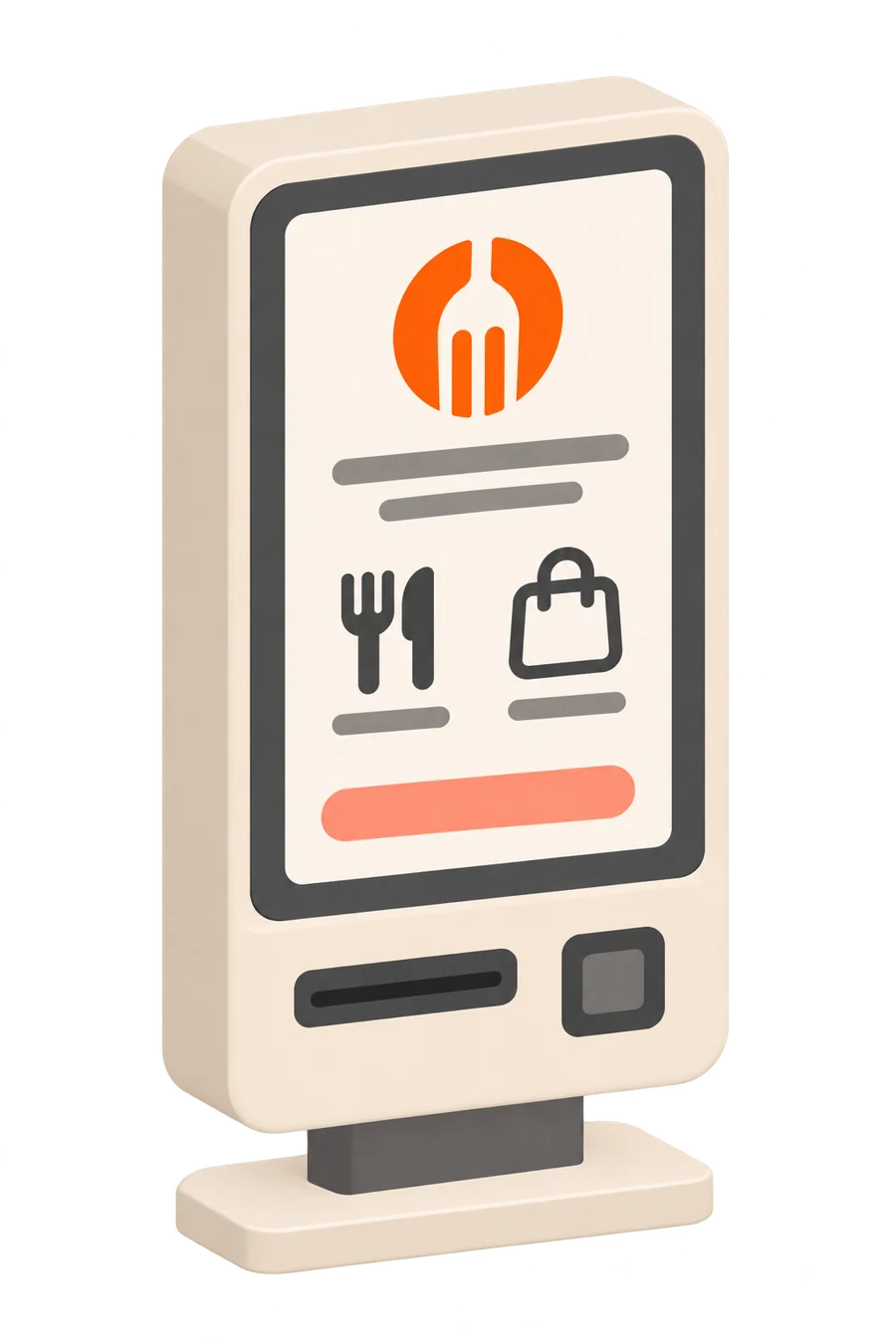
Self-Service Kiosk
A touchscreen kiosk where customers order and pay on their own, so the queue at the counter moves faster.
- 01Order without queuing
- 02Pay at the kiosk
- 03Orders go to the kitchen
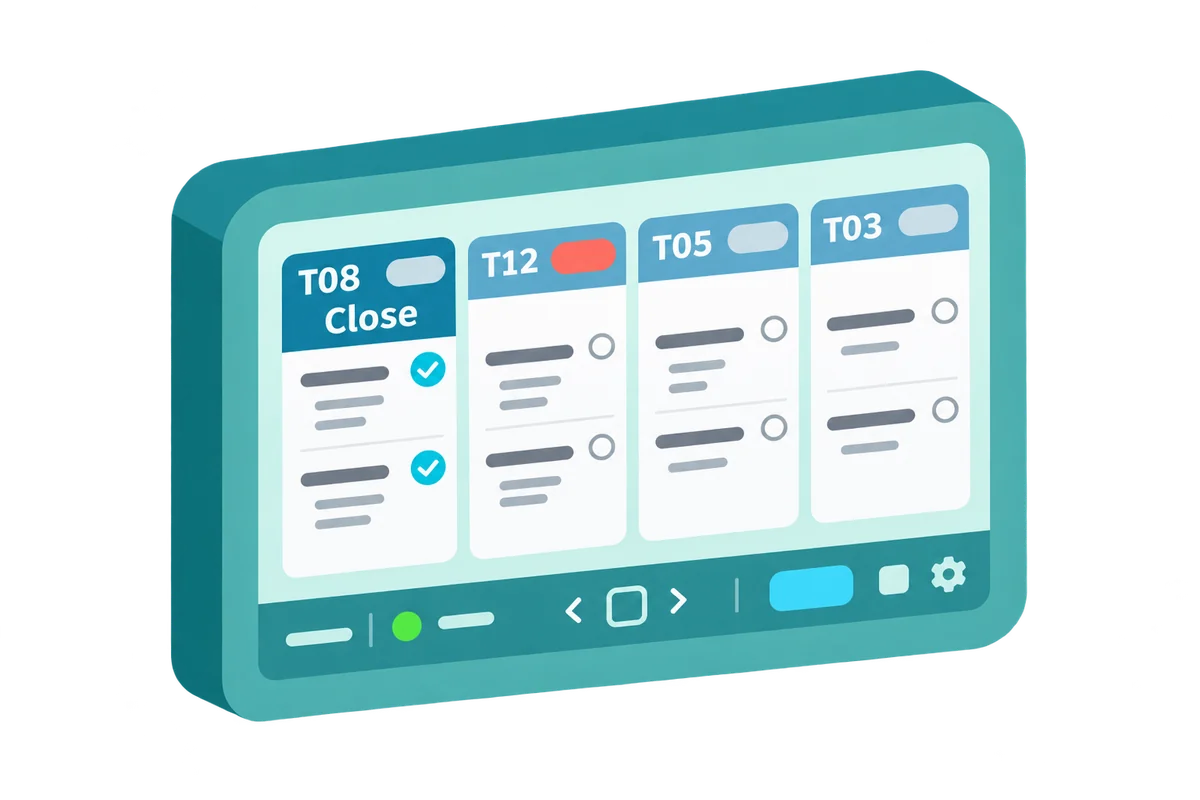
Kitchen Display System (KDS)
Every order from the counter, QR, kiosk and delivery apps lands on one kitchen screen, with no paper chits.
- 01Orders on screen
- 02No paper chits
- 03Front and kitchen in sync
Inventory & Reports
Stock tracked down to the ingredient and recipe, with ready-made and custom reports on how each outlet is doing.
- 01Ingredient & recipe stock
- 02Suppliers & purchase orders
- 03Preset & custom reports

Connect: Marketing & Loyalty
Bring new customers in and keep regulars coming back, with campaigns, vouchers, loyalty tiers, points and a member store.
- 01Loyalty tiers & points
- 02Vouchers & SMS
- 03Member store
Common questions.
What restaurant and café owners usually ask us about FeedMe.
What is FeedMe POS?
FeedMe POS is a cloud POS built for restaurants and cafés. Orders, tables and payments run in one system, with AI suggestions that help staff lift each bill.
Can customers order by QR code or at a kiosk?
Yes. FeedMe has QR code ordering and a self-service kiosk where customers order and pay on their own, and every order goes straight to the kitchen.
Does FeedMe take cards and e-wallets?
Yes. FeedMe POS takes cards, e-wallets and Apple Pay, and the FeedMe D3 PRO terminal takes cards and e-wallets right at the counter.
Can orders from delivery apps come into FeedMe?
Yes. FeedMe has delivery integration, and the Kitchen Display System shows orders from the counter, QR, kiosk and delivery apps on one kitchen screen, with no paper chits.
Can I manage more than one outlet?
Yes. Multi-outlet management lets you run all your outlets from the FeedMe Portal, with live sales reports and stock tracked down to the ingredient and recipe.
Does FeedMe have a loyalty programme?
Yes. FeedMe Connect adds loyalty tiers and points, vouchers, SMS campaigns and a member store, to bring new customers in and keep regulars coming back.
Do you set up FeedMe and train our staff?
Yes. Our team in Ulu Tiram looks after businesses in Johor Bahru and across Johor, and our Petaling Jaya office covers the Klang Valley. We set FeedMe up for you, train your staff and stay on call for support afterwards.